Translate Zoom and Teams Meetings in Real Time
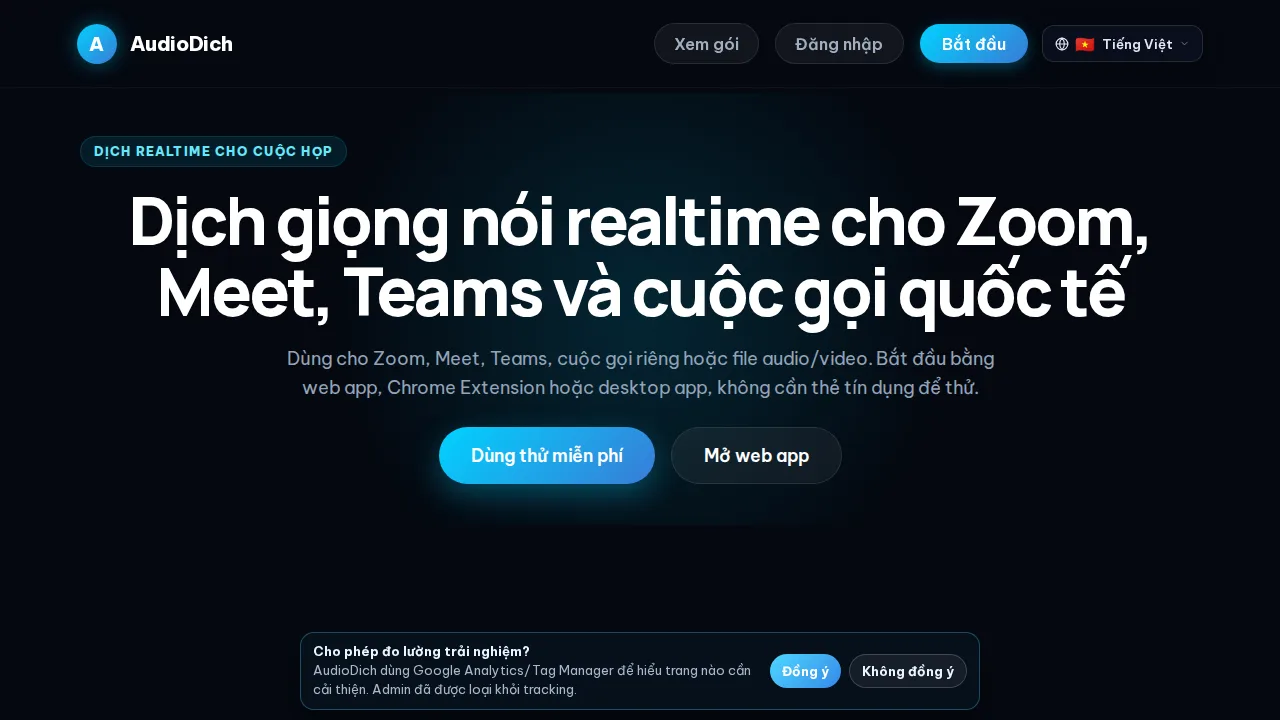
AudioDich adds live captions, speech translation, and a running transcript straight from your Zoom, Google Meet, or Microsoft Teams tab — so international calls stay natural, without a bot joining as a visible participant.
The problem with international meetings
Booking a human interpreter for a single call is slow and expensive, and it rarely fits a meeting that got scheduled an hour ago. Typing into a separate translator app breaks the flow of conversation — by the time you have the translated sentence, the other person has moved on. And most “meeting bot” translators show up as a visible attendee, which can feel intrusive on a sales call, a support case, or an interview.
None of this matches how a real conversation actually happens: two people talking back and forth, in real time, without a third tool getting in the way.
How AudioDich is different
The Chrome Extension reads audio directly from your Zoom, Google Meet, or Microsoft Teams browser tab — nothing joins the call as a separate participant. Live captions and a running transcript appear next to your meeting window as people speak.
When the conversation needs to go both ways, open a Call Room: each participant gets a link where they speak their own language and hear or read the other side’s translation — a genuine two-way exchange, not just one-directional captions for an audience. On desktop, AudioDich can also capture system audio directly, which is useful for the Teams desktop client.
How it compares to other meeting translators
This is a comparison of approach, not a feature-by-feature audit — pricing and features change often, so check each provider’s own site for current details.
| Approach | AudioDich | Typical meeting-bot translators |
|---|---|---|
| How it joins the call | Reads audio from your browser tab, or system audio on desktop — nothing shows up as a separate meeting participant. | Many meeting-bot translators (e.g. Wordly, Maestra, JotMe) join the call as a visible bot or require a dedicated integration. |
| Setup for the other side | Nothing to install to read captions. For a real back-and-forth, send a Call Room link — each side just opens it in a browser. | Often needs the host to enable an integration, add a bot, or ask attendees to install something before the call starts. |
| Two-way spoken conversation | Call Room lets each person speak their own language and be understood — a real two-way exchange, not one-directional captions. | Most tools in this space are built for one-directional captions to an audience, not a live two-way conversation. |
| Trying it out | 20 minutes free on first login, no credit card, then pay for hours or a monthly plan based on real usage. | Pricing and free-trial terms vary by provider and change often — check each one’s own pricing page for current details. |
Where teams use this
Sales calls and product demos with international prospects, support tickets that come in as a call from a non-native speaker, cross-border webinars and training sessions, and interviews with candidates who speak a different language. In every case, the goal is the same: keep the conversation moving instead of stopping to translate line by line.
For content with legal, medical, or financial weight — contracts, compliance calls, clinical conversations — use AudioDich as a real-time support layer and confirm the important details in writing afterward.
FAQ
Short answers to choose the right AudioDich process before using it in a real session.
Does AudioDich join my Zoom or Teams call as a bot?
No. AudioDich reads audio from your browser tab (or system audio in the desktop app) — no separate participant joins the meeting.
Does it work with Google Meet too?
Yes. The same Chrome Extension, web app, and desktop app work with Zoom, Google Meet, and Microsoft Teams — any call that plays audio in your browser or on your computer.
Does the other person need to install anything?
Not to read live captions on your side. For a genuine two-way conversation, open a Call Room and share the link — the other person joins from their browser, no install needed.
Is the translation accurate enough for contracts or legal terms?
Treat it as a real-time support layer, not a certified translation. For contracts, legal, medical, or financial content, confirm important terms in writing with a qualified translator.
Do I need a credit card to try it?
No. Create an account and test with the free daily quota before buying an hour pack or a monthly plan.
Start with AudioDich
Try AudioDich in a real Zoom, Meet, or Teams call today. When you need more time, compare hourly and monthly plans on the pricing page.