

Install Chrome Extension
AudioDich Chrome Extension is now approved on the Chrome Web Store. Open the listing and install it directly in Chrome.
Chrome Extension tutorial
How to use AudioDich Chrome Extension with YouTube, Netflix, and web content that needs realtime translation.
Official install flow
This is the official Google-approved build and installs directly from the Chrome Web Store.
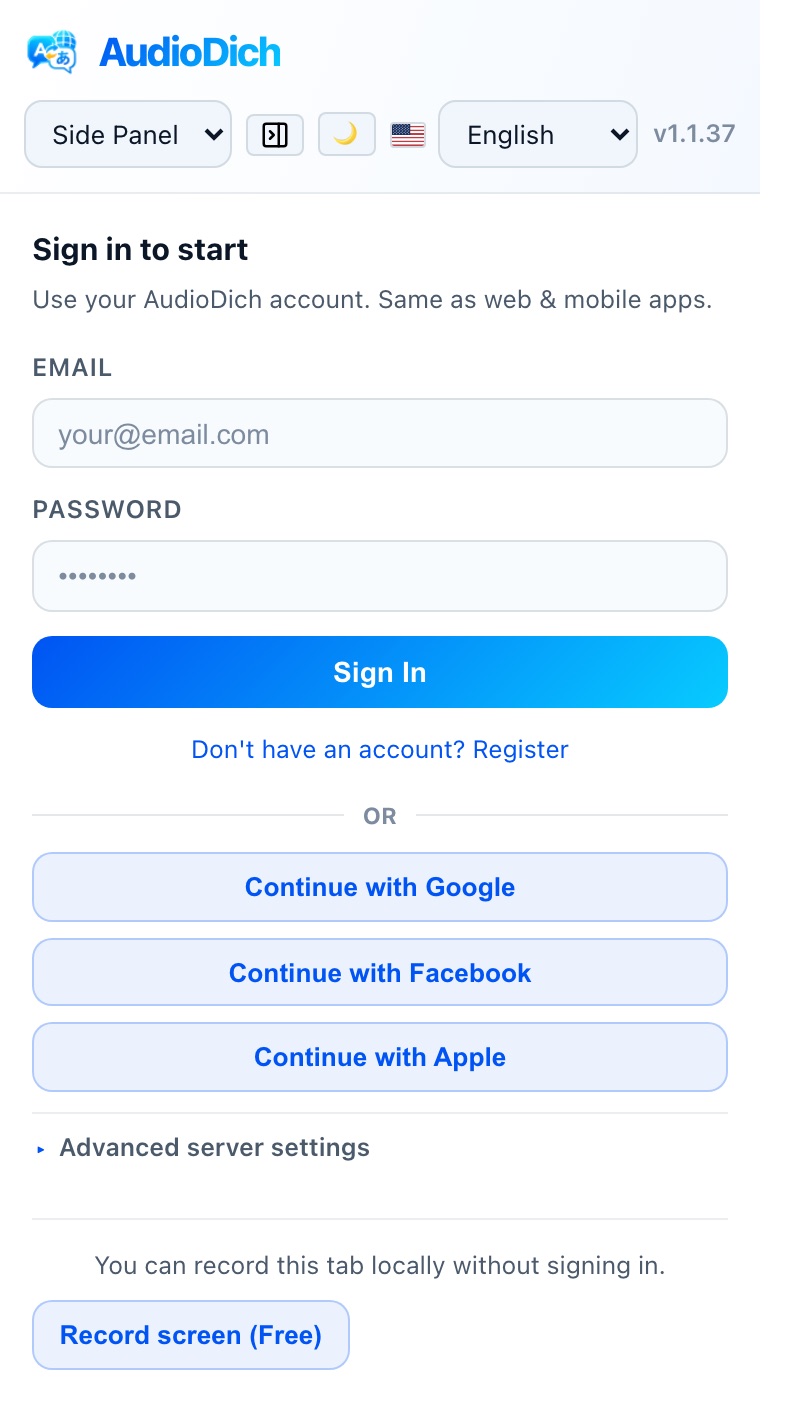
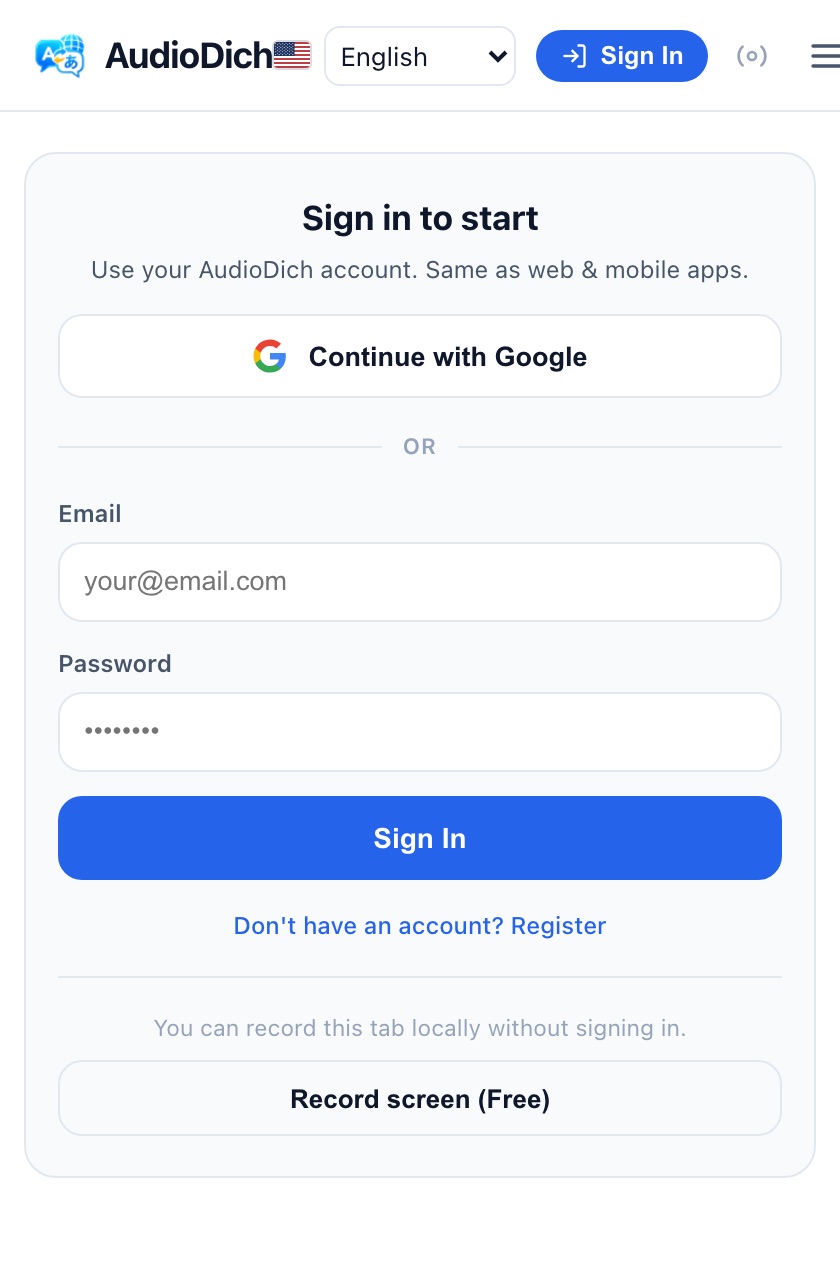
- Open the AudioDich listing on the Chrome Web Store.
- Click Add to Chrome.
- Approve the requested permissions.
- Pin the extension to your toolbar for quick access.
- Sign in with your AudioDich account and start translating tab audio.
FAQ
What is the AudioDich Chrome Extension for?
It helps AudioDich work with browser tab audio for web meetings, videos, webinars, and realtime subtitles.
Is the extension on the Chrome Web Store?
Yes. This page links to the official Google-approved AudioDich Chrome Extension listing.
Do I need an AudioDich account?
An account is recommended so you can use included time, manage history, and switch to other AudioDich workflows.