

Desktop downloads
One account and one shared included time across web, Windows, and macOS.
Online by default
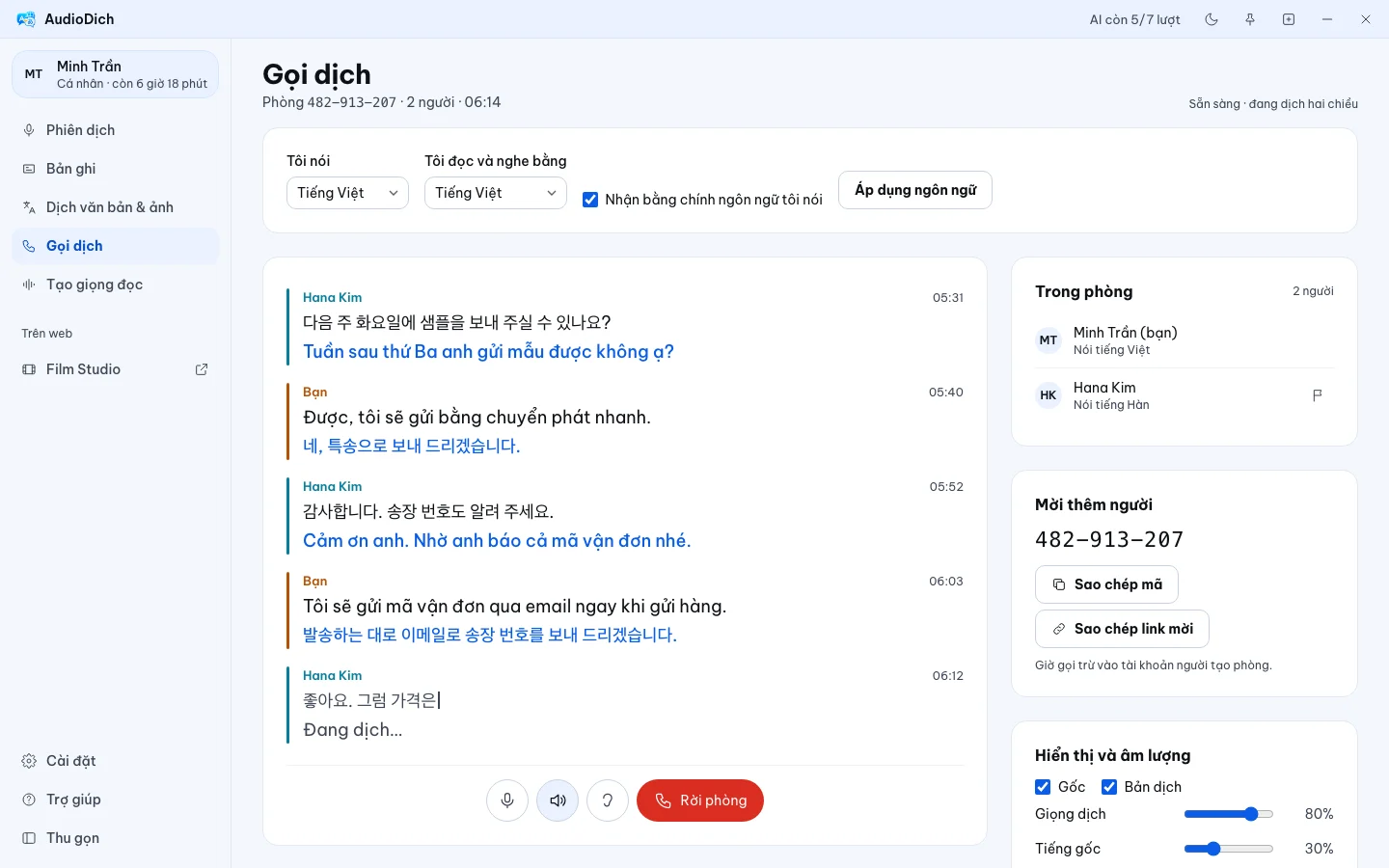
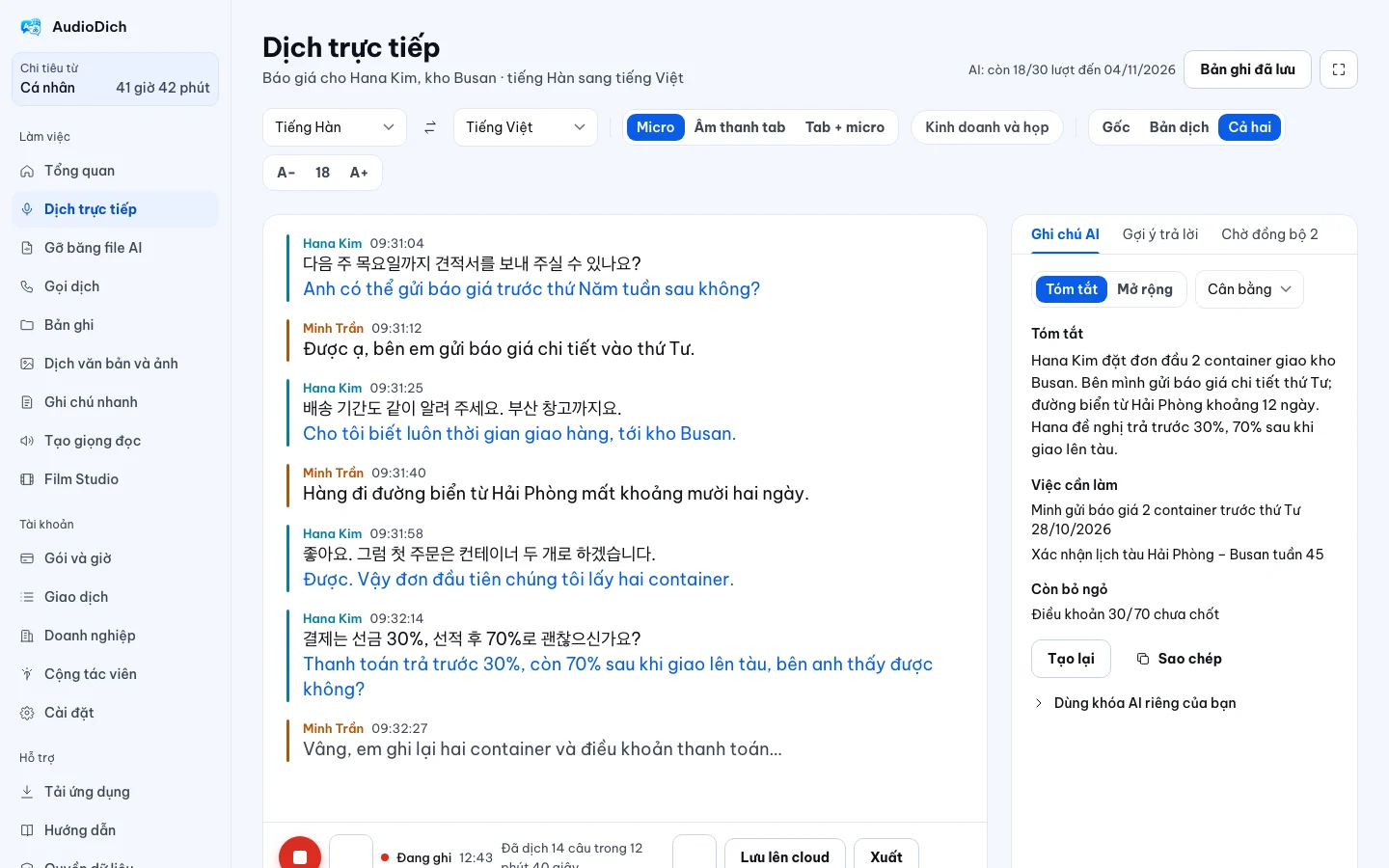
The desktop app defaults to online mode so it works reliably after installation.
Free Local AI
Select Local AI for 100% on-device processing with no subscription and no minute deductions.
Realtime hardware
Windows should have a 6-8 core CPU and 16GB+ RAM. macOS should use Apple Silicon M1+ with 16GB+ RAM.
Chrome Extension
Manual install
- Install the official Google-approved build directly from the Chrome Web Store and start using it in seconds.
- Direct download
- Extension v1.1.44
Windows (Microsoft Store)
Ready
- Install via Microsoft Store to get automatic updates without manually downloading new installers.
Windows (Direct download)
Ready
- Desktop build ready to use with the same account and included time as the web app. It defaults to online mode; Local AI runs only when selected.
- Recommended for realtime Local AI ASR: Windows 10/11 64-bit, 6-8 CPU cores, 16GB+ RAM. Prefer online on 4-core/8GB machines.
- Release desktop-v0.2.41
Android (Google Play)
Ready
- Install via Google Play to get automatic updates without manually downloading new APKs.
Android (APK)
Ready
- The Android build is ready with on-device OCR and automatic production API fallback.
macOS (Apple Silicon)
Ready
- Desktop build ready to use with the same account and included time as the web app. It defaults to online mode; Local AI runs only when selected.
- Recommended for realtime Local AI ASR: Apple Silicon M1 or newer, 16GB+ RAM. Prefer online on 8GB machines.
- Release desktop-v0.2.67
macOS Intel
Ready
- For Intel Mac (x86_64). Defaults to online mode for stable realtime use.
- Realtime Local AI is not recommended on older Intel Macs; use online if the app heats up, lags, or transcript appears late.
- Release desktop-v0.2.67
Linux
Ready
- The stable Linux build is available as an AppImage and a .deb package.
- Release desktop-v0.2.59
iOS (App Store)
Ready
- Install from the App Store to get automatic updates, live translation, two-way calls and image translation.