

Quick summary
DocTranslate Cabin AI Meeting Bot is built around a clear idea: add an AI bot to Google Meet or Zoom so it can listen and translate in realtime. The public page says the bot joins silently, listens and translates instantly. It also describes a four-step flow: connect the meeting, configure translation, share with participants and run live translation.
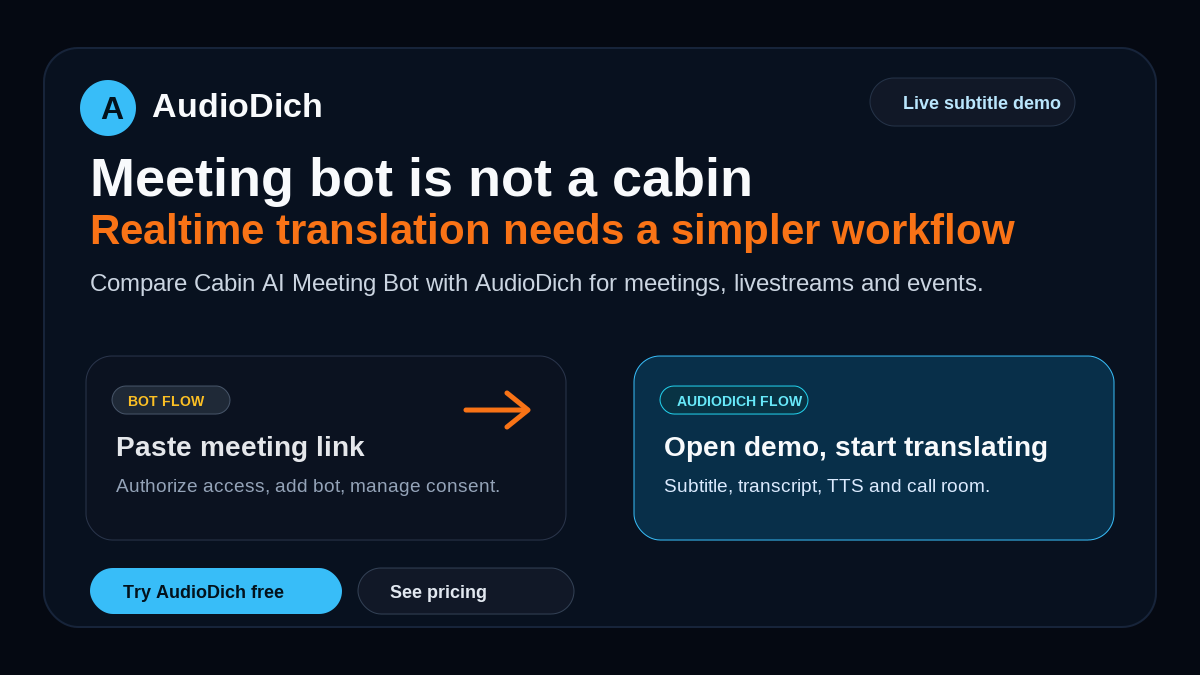
That can be useful when the meeting is already on Google Meet or Zoom, the host accepts bots, all participants understand why a silent AI participant is present and the organization has a policy for meeting assistants. But using a meeting bot as a true interpretation cabin is a different operational problem. You must handle consent, platform permissions, bot admission, privacy expectations, transcript access, failure recovery and how translated output reaches the people who need it.
AudioDich takes a lighter route. Instead of making every need depend on a bot entering the meeting, AudioDich focuses on the user who needs to understand audio: realtime subtitles, transcripts, TTS, call room, Chrome Extension, web app and a live demo on the website. The process starts from the listener and the device they already use.
A meeting bot is not the same as an interpretation cabin
A professional interpretation cabin is not just software. It includes audio routing, language channels, listening devices or links, event staff, backup procedures, privacy notices and a clear way for the audience to receive translation. A meeting bot is a participant inside a meeting. That means it must be admitted, stay connected, avoid being removed, comply with meeting-platform rules and be accepted by participants.
If a customer asks whether DocTranslate can be used as a cabin, the honest answer is: it depends on the event. For a controlled Zoom or Google Meet session it may work. For a livestream, classroom, sales webinar, customer support call, Teams meeting, video platform or mixed audience, the bot model introduces extra coordination.
AudioDich is easier to explain. Open the tool, choose languages, view subtitles, save transcripts and use call room when both sides want a bilingual conversation. The user does not need to convince a host to admit a third-party bot just to follow translation on their own side.
Comparison table
| Criterion | DocTranslate Cabin AI Meeting Bot | AudioDich |
|---|---|---|
| Main design | A bot for Google Meet and Zoom that joins silently and provides realtime translation. Good when the meeting host accepts a bot. | Realtime translation process for daily use: web app, Chrome Extension, call room, subtitles, transcripts, TTS and live demo. |
| Initial setup | Paste a Google Meet or Zoom link, authorize access, configure translation, share with participants and start live translation. | Create an account, open the right tool, choose languages and start. No meeting bot is required for many listener-side workflows. |
| Bot admission risk | A bot can be blocked by waiting rooms, domain rules, host approval, participant concerns or internal policy. The FAQ even mentions the case where the AI assistant is removed from the meeting. | Listener-side subtitles and transcripts do not depend on a bot being admitted to the customer meeting. Call room is explicit when both sides choose it. |
| Privacy and consent | A silent participant still listens. Sensitive meetings may require clear consent and internal review. | Users control the translation process on their own account. Call room makes the purpose explicit to participants. |
| Platform scope | The public Meeting Bot page names Google Meet and Zoom. | Built for broader digital-content use: meetings, web audio, demo mic, call room, transcripts and TTS. |
| Price transparency | The Meeting Bot page shows sales contact and free trial but no detailed pricing table on the checked page. | AudioDich publishes VND packages and a free plan: 20 minutes on first login plus 10 minutes daily. You can pay online in the app or on the website. |
Why bot-based translation can become fragile
Meeting bots are convenient when everything goes right. The problem is the number of things that must go right. The meeting must permit the bot. The host must approve it. Participants must accept it. The bot must receive audio. It must not be removed. It must stay connected. The translated output must be shared in a form people can actually use.
In an internal meeting, these risks can be handled with policy. In a customer call, webinar or paid class, they create friction. If the first five minutes are spent explaining why a bot is in the room, the translation tool is already interrupting the meeting.
AudioDich reduces this risk by keeping translation closer to the user. Many workflows do not require a bot in the customer room. Users can watch subtitles, keep transcripts and use TTS from their own device. When a bilingual room is needed, AudioDich call room sets the expectation clearly from the start.
Privacy and trust
The phrase "silent participant" sounds smooth, but it still means an additional participant is listening. In business, education, recruitment, healthcare, finance or legal discussions, that matters. A tool can be technically useful and still create trust questions if participants do not understand what is being captured and where the transcript goes.
This is not a claim that DocTranslate is unsafe. The risk is inherent in the meeting-bot model. Any bot-based process must answer consent, storage, access and data handling questions before it can be used responsibly.
AudioDich also handles audio and should be used responsibly, but the process is easier to describe: the user starts translation, sees subtitles, stores transcripts and chooses when to use call room. Fewer hidden meeting participants usually means fewer questions from customers.
Smoothness is the whole journey, not just model latency
Realtime translation quality is not only about how fast a model returns text. Real smoothness includes setup time, how subtitles appear, whether transcripts are readable, whether a long session remains stable and what happens when something fails.
A meeting bot can look impressive in a demo, but if it depends on meeting admission and host approval, the process can still be slow. AudioDich puts the live demo on the website, so users can test microphone translation before using it in a real call. That shortens the trust gap.
When DocTranslate Cabin may be a good fit
DocTranslate Cabin AI Meeting Bot can be useful for organizations that already standardize around Google Meet or Zoom, have host control, have participant consent procedures and specifically want a bot to join the meeting. In that setting, bot admission and privacy questions can be managed ahead of time.
For everyday users, small teams, sales calls, teachers, creators and support teams, starting with a bot can be heavier than necessary. If the goal is to understand live audio, see subtitles and keep transcripts, AudioDich is the shorter path.
Why AudioDich should be tried first
AudioDich is practical. It has a free plan: 20 minutes on first login plus 10 minutes daily, public VND pricing, realtime subtitles, transcript, TTS, call room and a live demo on the homepage. Users can test with real voices and real devices before committing.
For most daily translation needs, the best product is the one that starts quickly, stays understandable and creates fewer operational risks. That is where AudioDich has the stronger value proposition.
Sources
- DocTranslate Cabin AI Meeting Bot public page, checked May 15, 2026: https://cabin.doctranslate.io/vi/meeting-bot
- DocTranslate User Manual for Live Translation, checked May 15, 2026: https://usermanual.doctranslate.io/vi/tinh-nang-dich/dich-hoi-thoai-thoi-gian-thuc-live-translation
- AudioDich pricing page, checked May 15, 2026: https://audiodich.com/pricing
- AudioDich live demo homepage, checked May 15, 2026: https://audiodich.com/vi