

- Back to the guide
- Video tutorials
- Affiliate program
Affiliate program
Join, get your own referral link and track clicks, signups and commissions.
This tutorial is for creators, teachers and communities who want to earn a commission by recommending AudioDich. You will see the commission rates, how to join and where your referral link is. Joining is free and takes a minute.
Steps
Open Affiliate program in the left sidebar.
Click Affiliate program in the left sidebar to open the page.
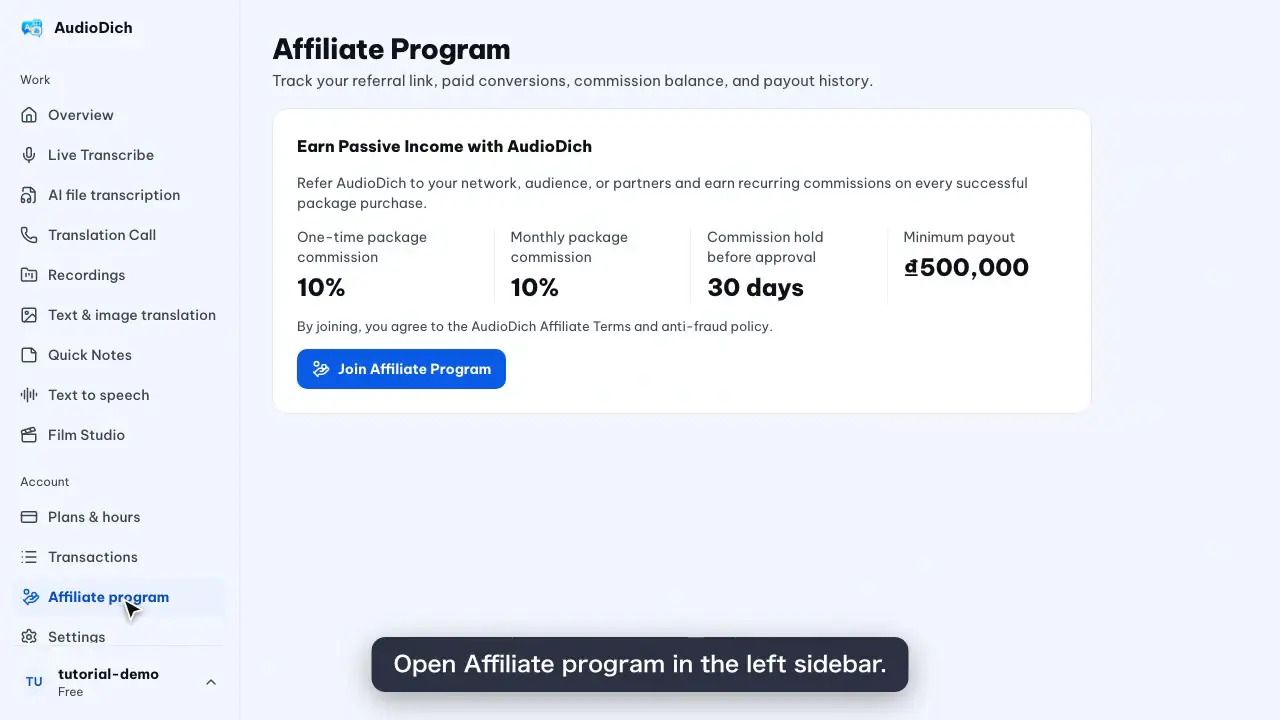
Read the commission rates and payout rules of the program.
Read the commission rates for one-time and monthly packages, and the days a commission is held before approval.
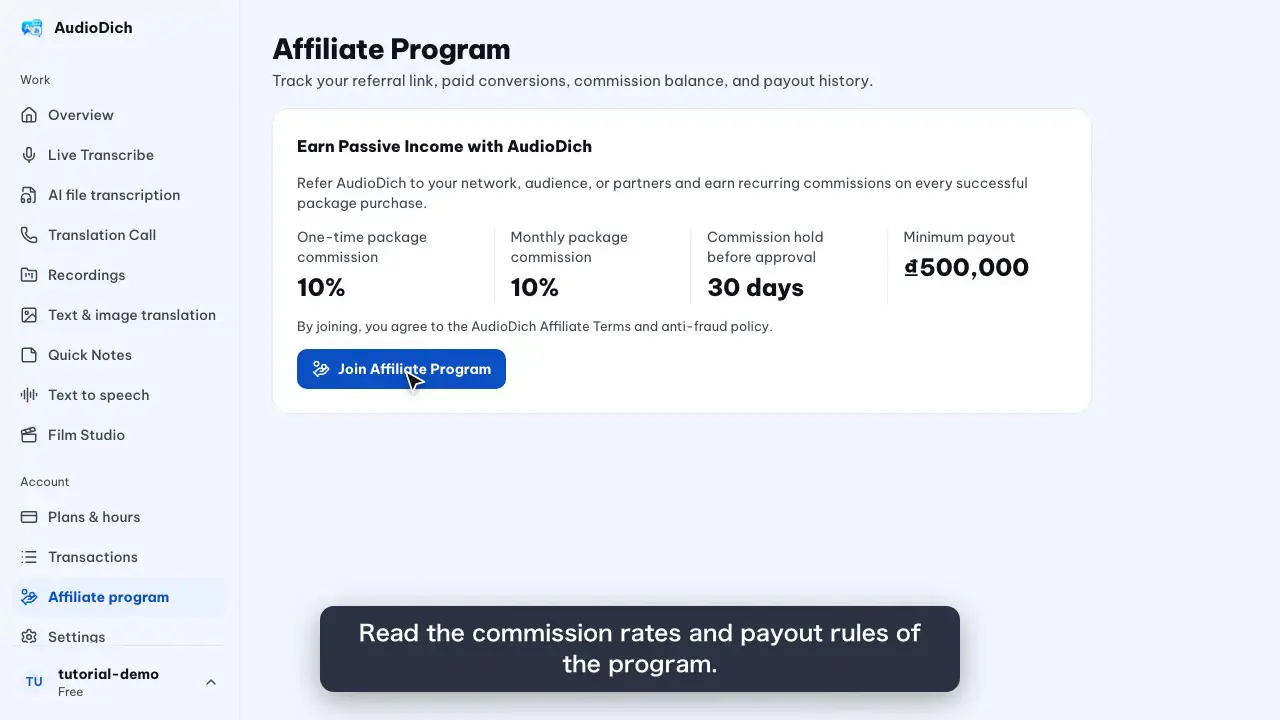
Click the join button to sign up with a single click.
Accept the affiliate terms and click the join button. A confirmation tells you that registration worked.
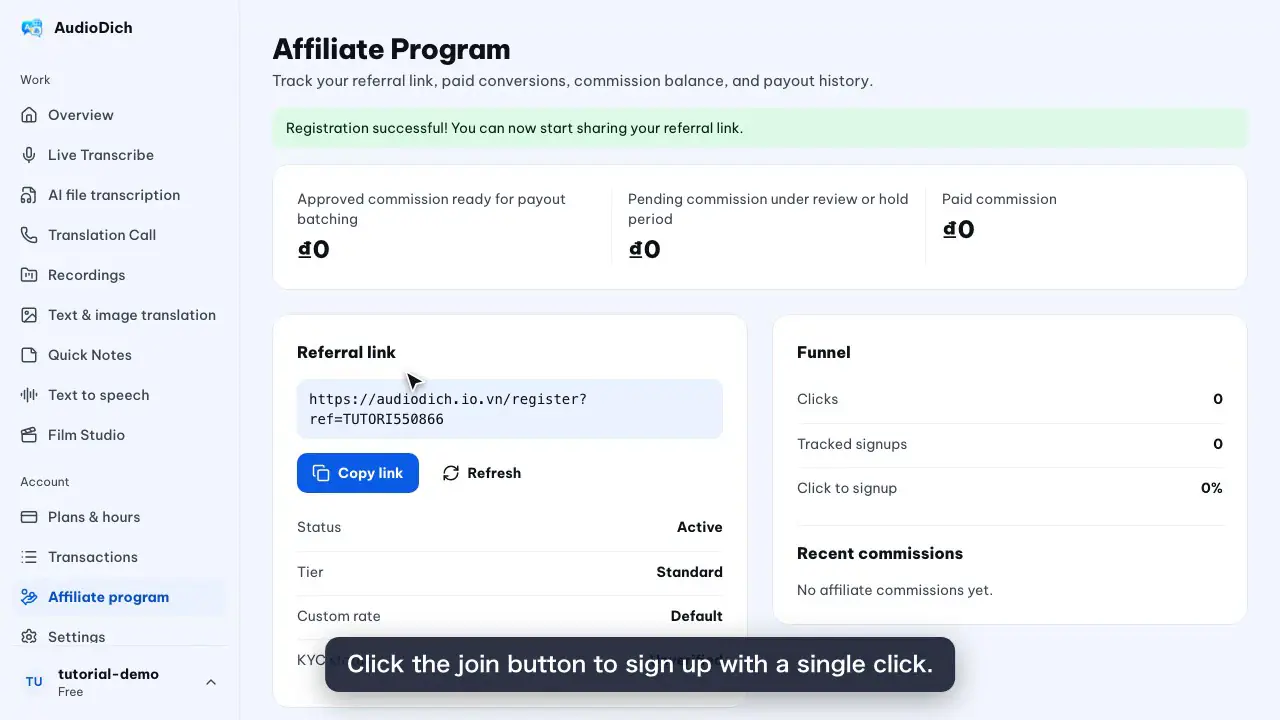
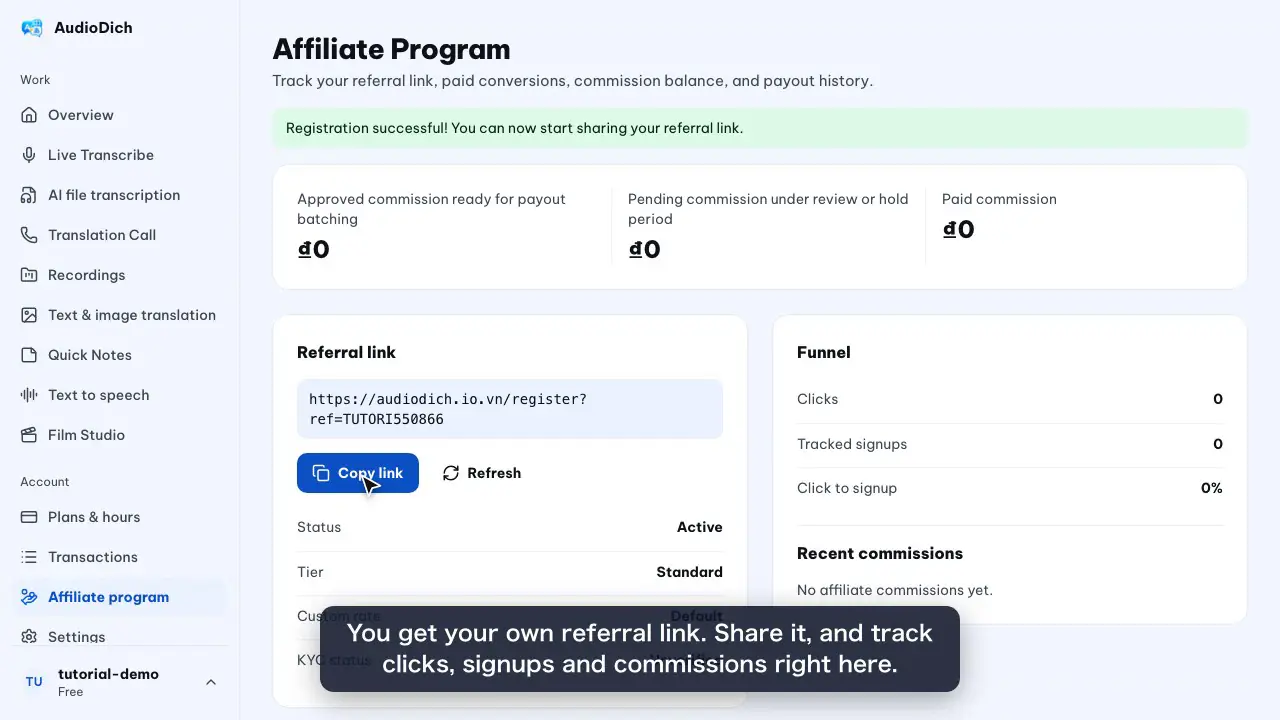
You get your own referral link. Share it, and track clicks, signups and commissions right here.
Copy your referral link and share it. Paid purchases made through it are listed on this page.
Tips
- Commission has stages: pending while under review, approved when ready for a payout batch and paid when it has been sent.
- Payouts are made in manual batches and need verified identity, accepted terms and a cleared risk review.
- If a purchase is refunded, the commission for it can be taken back.
- The page shows a minimum payout amount; keep sharing until your approved balance reaches it.
- Share the link where people already look for translation, subtitles or voice tools, such as a tutorial video, a blog post or a class group, and follow each platform's rules on promotion.
Common problems
- My referral link is not shown.
- The link is generated after you join. If it still says it is being generated, reload the page.
- My commission is still pending.
- Commissions are held for a number of days before approval, as shown on the page.
- I cannot save my payout method.
- Accept the terms and fill in the required fields, then save again.
Frequently asked questions
How much can I earn?
The page shows the default rate for one-time and monthly packages, and a custom rate if you have one.
When do I get paid?
After a commission is approved and your balance reaches the minimum payout, it is included in a manual payout batch.
Is verification required?
Yes. A payout needs verified identity (KYC) and accepted terms.
Do I earn on renewals?
Commissions apply to successful package purchases made with your link, as listed under recent commissions.
Video transcript
Open Affiliate program in the left sidebar. Read the commission rates and payout rules of the program. Click the join button to sign up with a single click. You get your own referral link. Share it, and track clicks, signups and commissions right here.