

- Back to the guide
- Video tutorials
- More tools
More tools
Get to know Recordings, Film Studio, Transactions and the affiliate program.
This tutorial is a quick tour for people who already know Live Transcribe and want to see what else the sidebar offers: Recordings, Film Studio, Transactions and the affiliate program. Each section is a separate page in the sidebar, and the video opens them one after another.
Steps
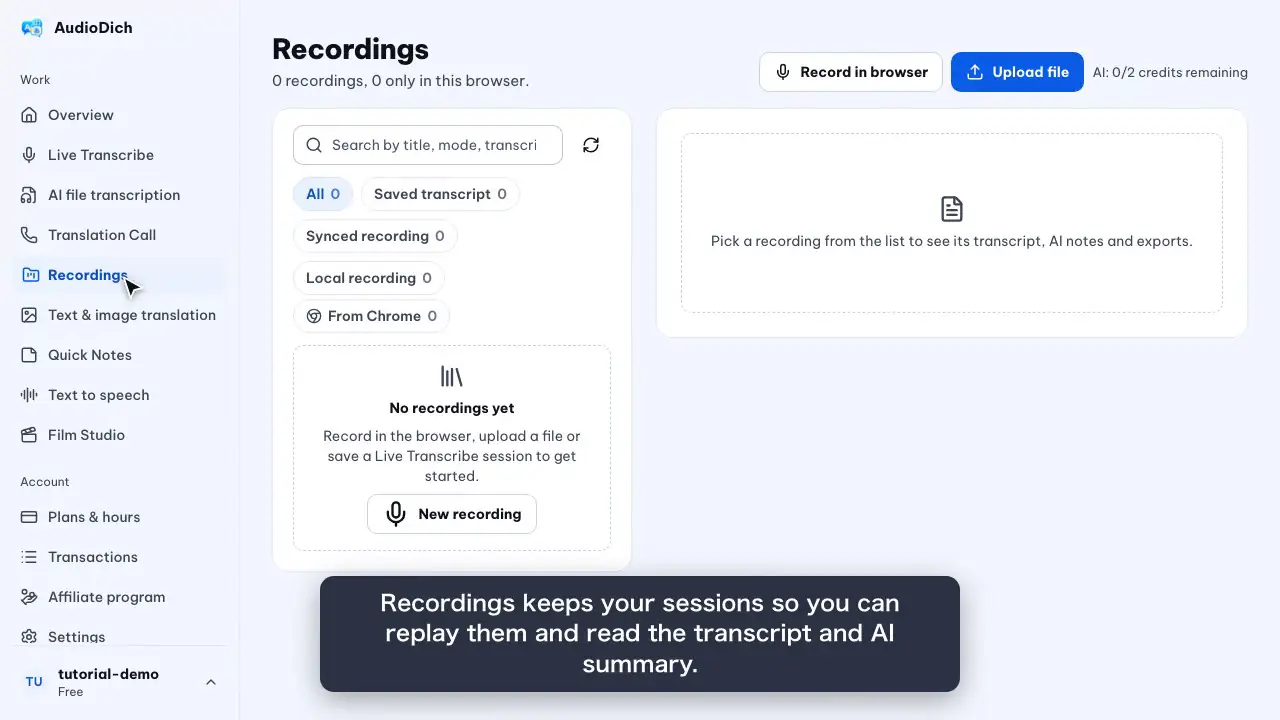
Recordings keeps your sessions so you can replay them and read the transcript and AI summary.
Recordings keeps your sessions so you can replay them, read the transcript and open the AI summary.
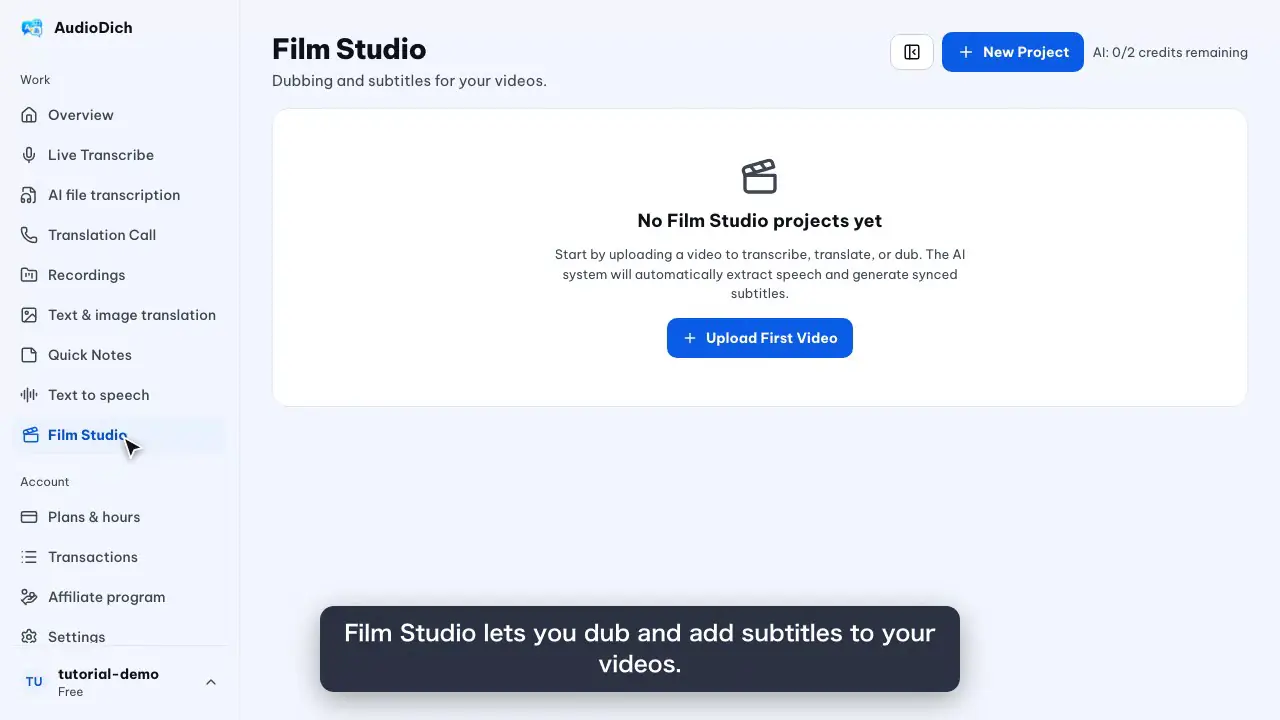
Film Studio lets you dub and add subtitles to your videos.
Film Studio lets you upload a video, translate its subtitles and dub it with AI voices.
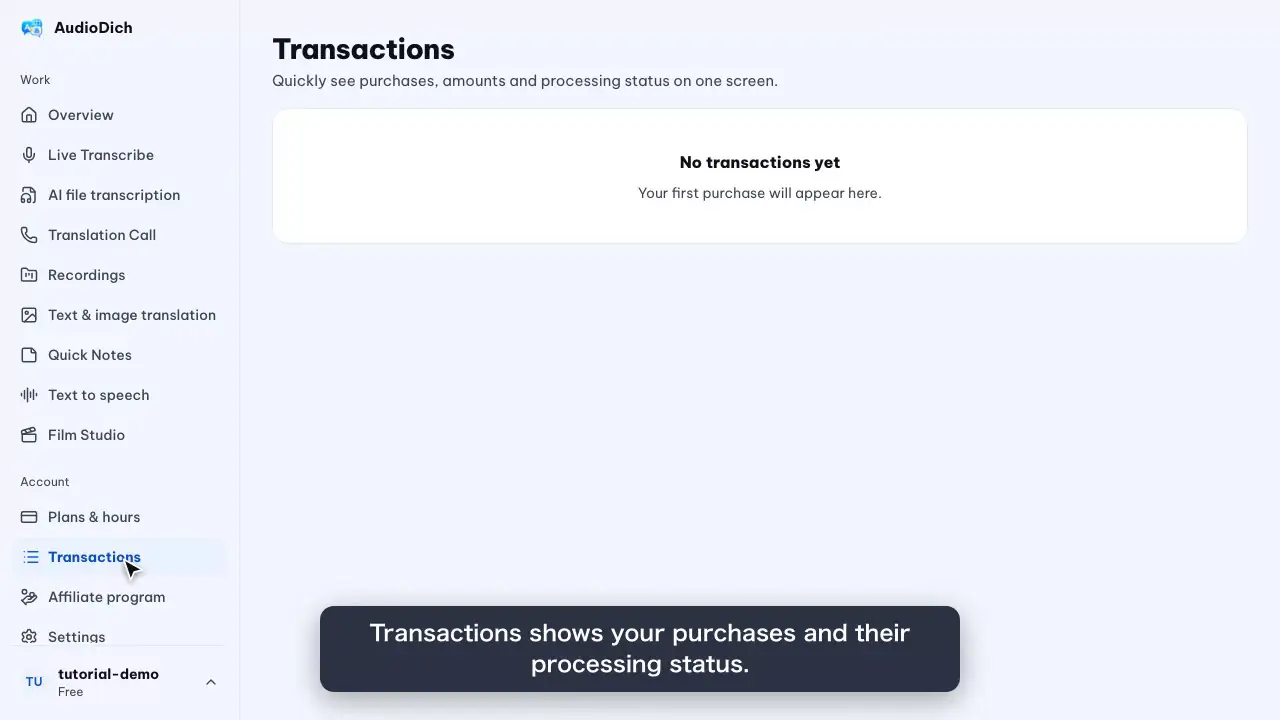
Transactions shows your purchases and their processing status.
Transactions lists your purchases with their processing status, so you can check that a payment arrived.
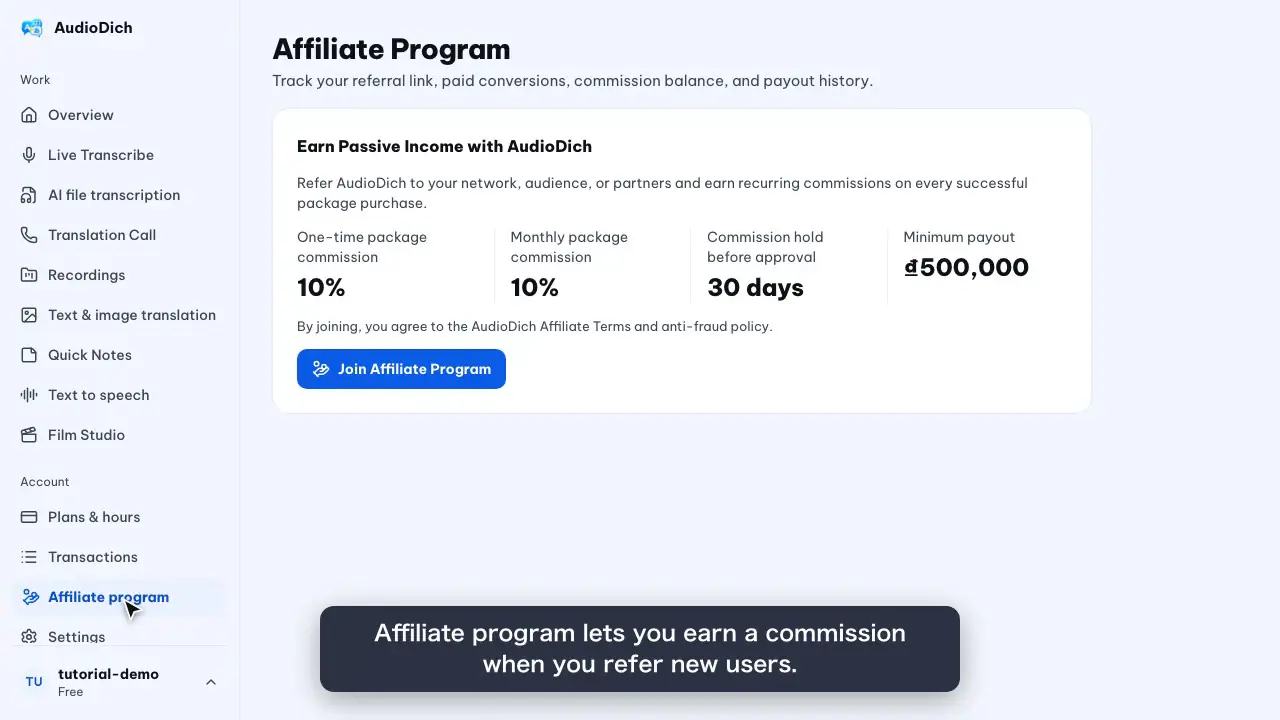
Affiliate program lets you earn a commission when you refer new users.
The affiliate program gives you a referral link and pays a commission when new users buy a package.
Tips
- Recordings and Film Studio can use your time when they transcribe or dub, so check your balance on Plans & hours first.
- Film Studio projects are kept for 14 days after you create them. Export what you need before then.
- Affiliate payouts need a verified identity check and accepted terms before money is paid out.
- Every tool keeps its own list, so you can move between them in the sidebar without losing your place.
Common problems
- I cannot find a tool in the sidebar.
- Scroll the sidebar; Account items such as Plans & hours, Transactions and Affiliate program are in a separate group.
- A recording has no audio.
- A recording made on another device may contain only the transcript until its audio is synced to the cloud.
- My payment is not shown.
- Open Transactions and check its status. Pending means the payment has not been confirmed yet.
Frequently asked questions
Which tool should I use for a video file?
Use AI file transcription for a transcript, or Film Studio when you also want translated subtitles or a dubbed video.
Where can I see what I paid?
In Transactions, which also shows the status of each order.
Is the affiliate program free to join?
Yes. You accept the affiliate terms, receive your link and earn commission on successful package purchases.
Are recordings stored online?
Online storage of recordings needs a paid plan. Otherwise they stay on the device.
Video transcript
Recordings keeps your sessions so you can replay them and read the transcript and AI summary. Film Studio lets you dub and add subtitles to your videos. Transactions shows your purchases and their processing status. Affiliate program lets you earn a commission when you refer new users.
See it in a real situation
- AI meeting transcriptionUpload a recording and get a transcript by speaker, a summary and action items.
- AI video translation and dubbingTranslate foreign-language videos and create natural dubbing voices in Studio.