

- Back to the guide
- Video tutorials
- Free audio tools
Free audio tools
Trim, change speed, change volume and pitch, remove silence, merge files or extract audio from video, free and with nothing to install.
This tutorial is for people who need to quickly fix an audio file, for example trimming the extra part of a recording, merging several files or taking the audio out of a video, without installing editing software.
Steps
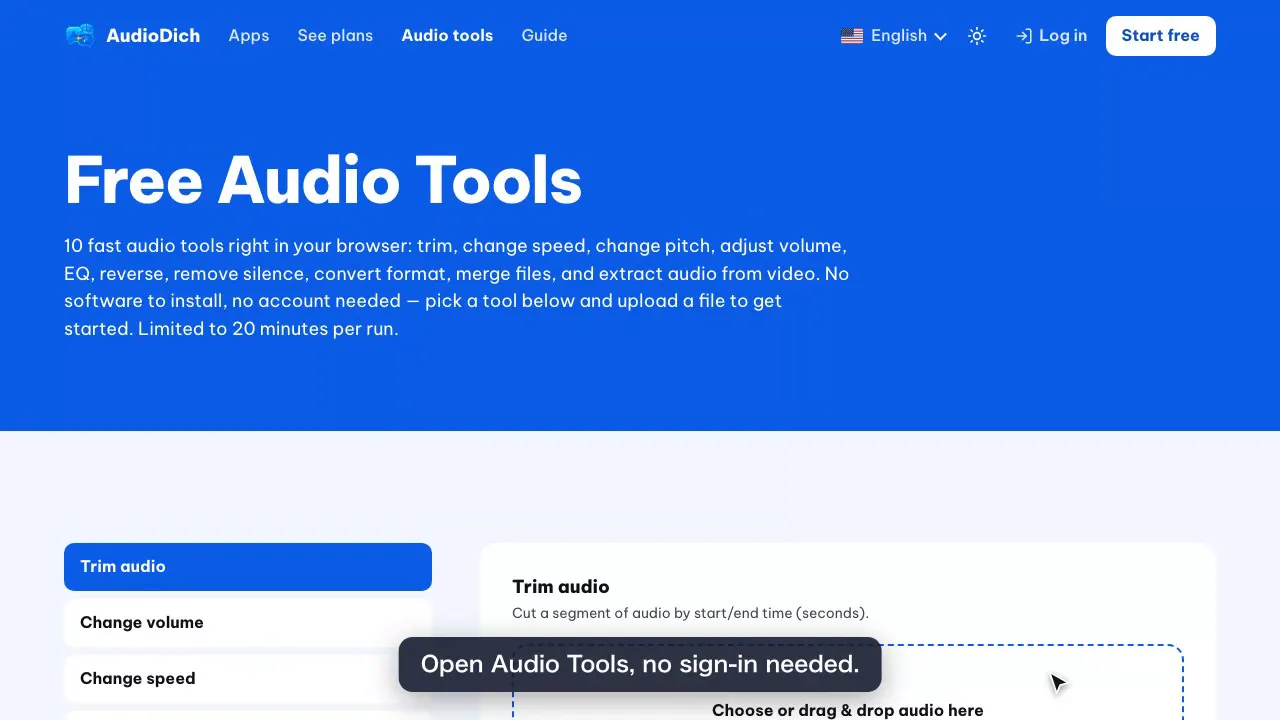
Open Audio Tools, no sign-in needed.
Open the Audio Tools page on AudioDich. You do not need an account to use it.
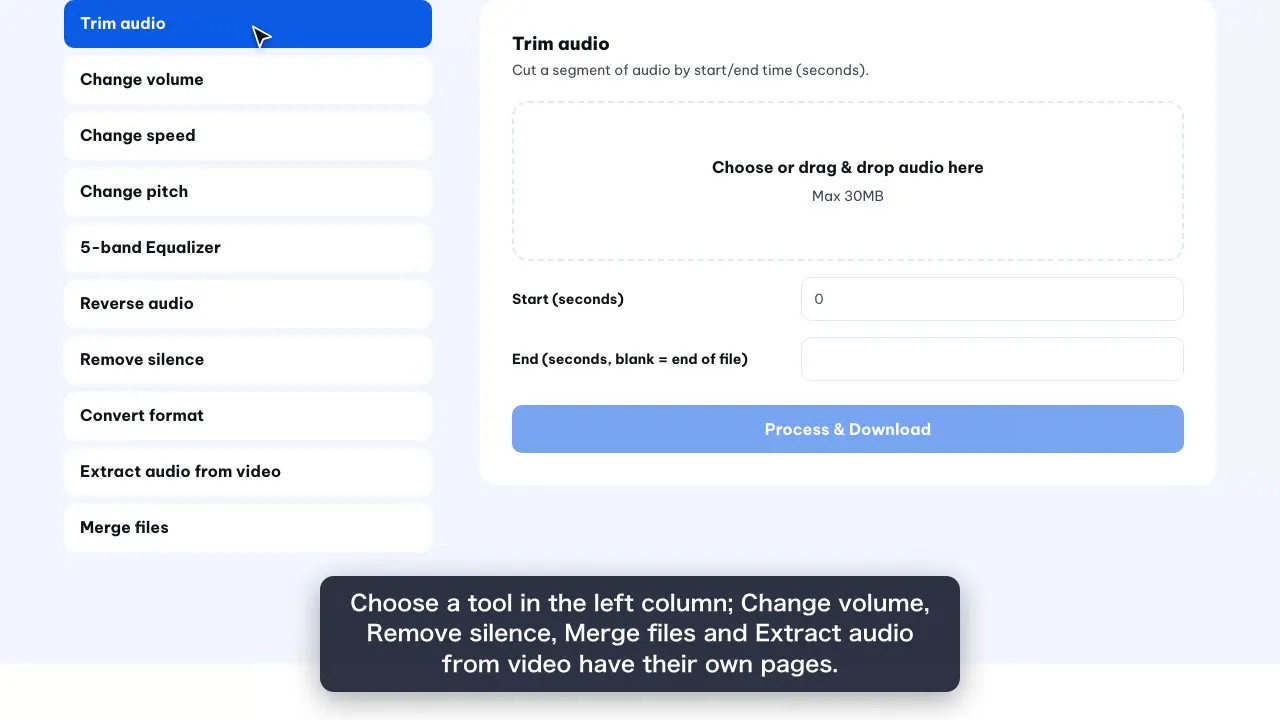
Choose a tool in the left column; Change volume, Remove silence, Merge files and Extract audio from video have their own pages.
Choose a tool in the left column, for example Trim audio, Change speed or Convert format. Change volume, Change pitch, Remove silence, Merge files and Extract audio from video open that tool's own page.
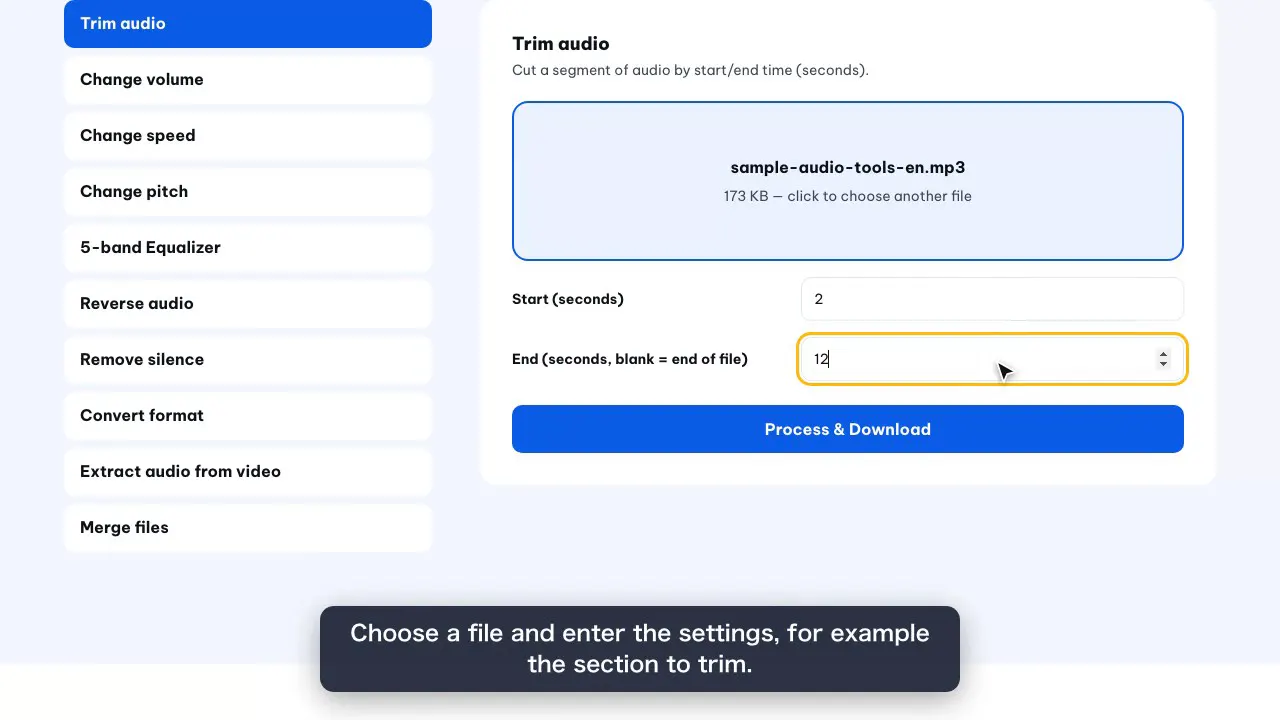
Choose a file and enter the settings, for example the section to trim.
Choose an audio file from your device, then enter the tool's settings, for example the start and end seconds of the section to trim.
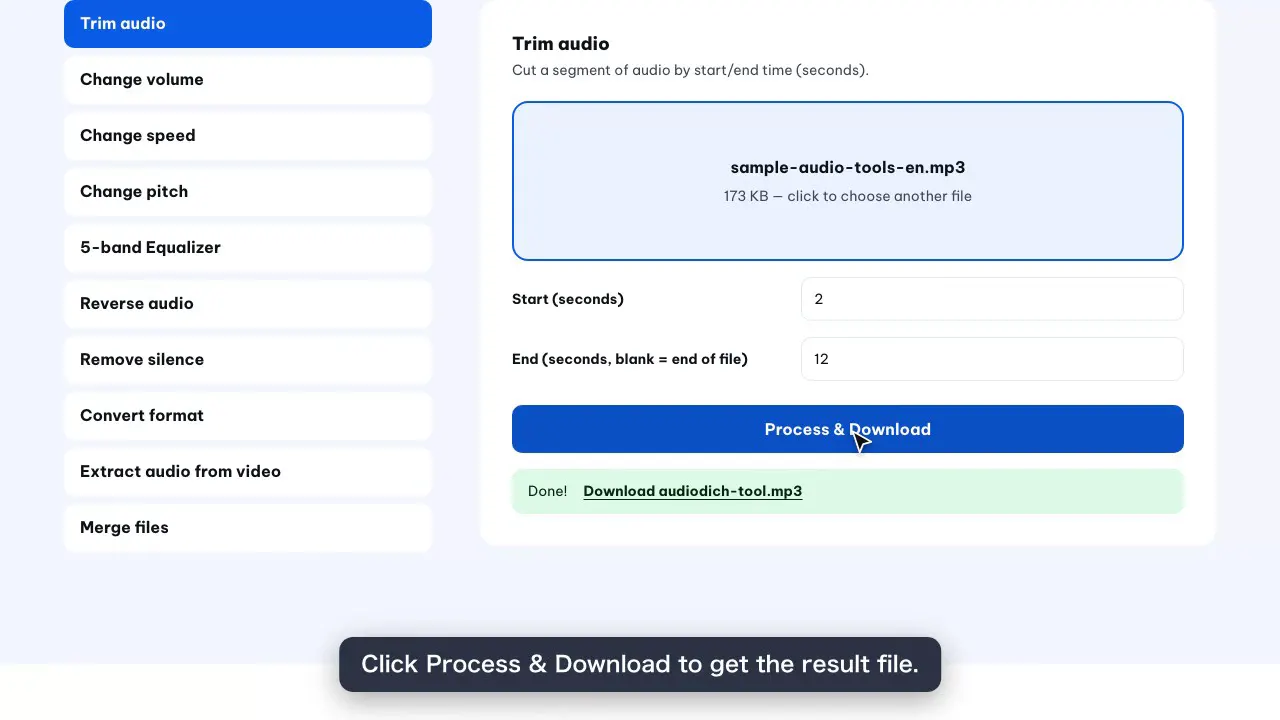
Click Process & Download to get the result file.
Click Process & Download. When processing is done, the result file is downloaded to your device.
Tips
- If you want to transcribe or translate a file after editing it, use AI file transcription in your AudioDich account.
- Extracting the audio from a video before transcribing makes the file lighter and faster to upload.
- Leaving the end time empty means trimming to the end of the file.
Common problems
- The uploaded file is not accepted.
- Check the file format. If it is a video, use the Extract audio from video tool first.
- Processing takes a long time.
- The file is sent to a server for processing; a large file takes longer to upload. Keep the page open until it finishes.
Frequently asked questions
Do the audio tools cost anything?
No. The audio tools are free and need no registration.
Is my file processed on a server?
Yes. The file is sent to the AudioDich server for processing, and the result is returned for you to download.
Can I use it on a phone?
Yes. Open the Audio Tools page in a browser on your phone.
Video transcript
Open Audio Tools, no sign-in needed. Choose a tool in the left column; Change volume, Remove silence, Merge files and Extract audio from video have their own pages. Choose a file and enter the settings, for example the section to trim. Click Process & Download to get the result file.